Blues Box v2.2.3
12-Bar Blues Backing Band & Lead Synth Firmware for M-VAVE FM-1
Before you flash: Use Chrome, Edge, or Opera on desktop (WebMIDI with SysEx is required; Safari/Firefox do not support WebMIDI). Connect your M-VAVE FM-1 with a USB-C data cable and power it on. Back up any stock patterns you want to keep first.
Disclaimer: Flashing custom firmware is at your own risk. This software is provided as-is without warranty, and the author is not responsible if flashing or using it damages or bricks your device.
Disclaimer: Flashing custom firmware is at your own risk. This software is provided as-is without warranty, and the author is not responsible if flashing or using it damages or bricks your device.
▶ Play in Browser
Package:
bluesbox.fwsc (v2.2.3, FM-1)
Ready. Plug in your FM-1 and click Install.
Boot Splash & 4 Screens on the FM-1
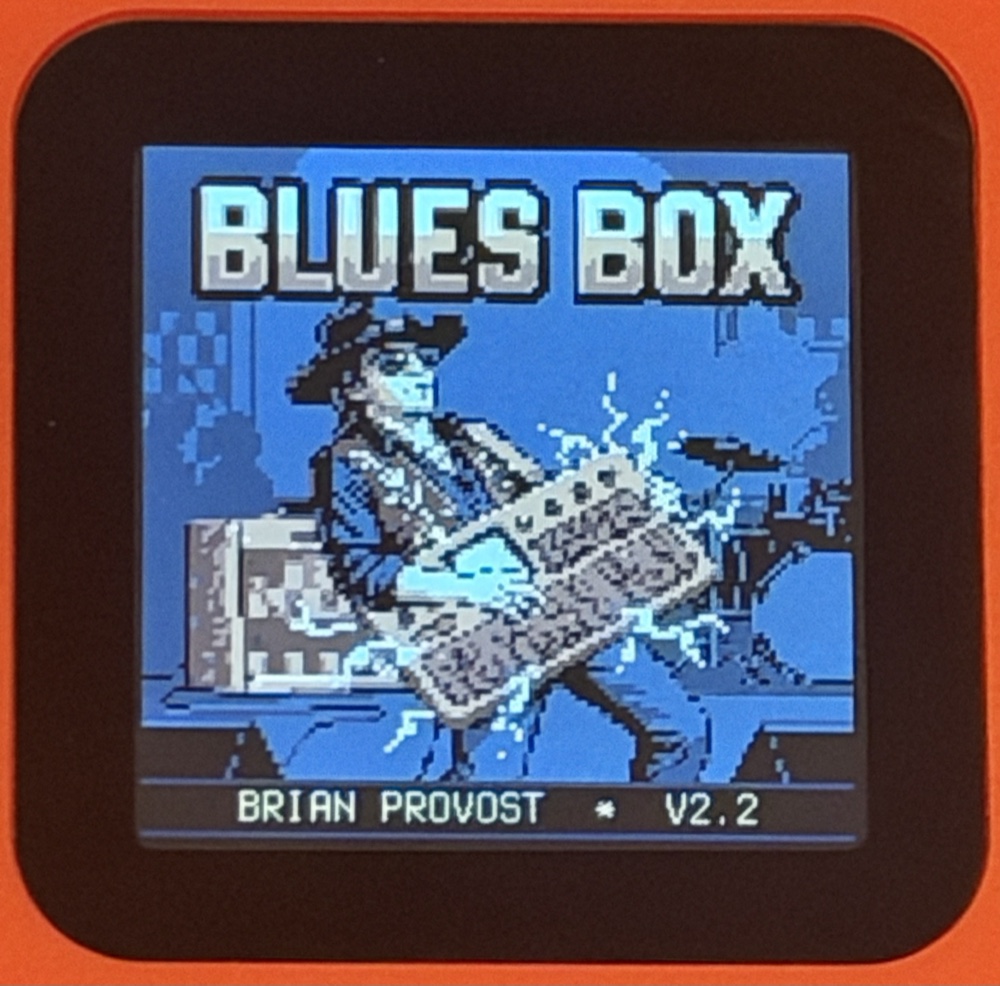
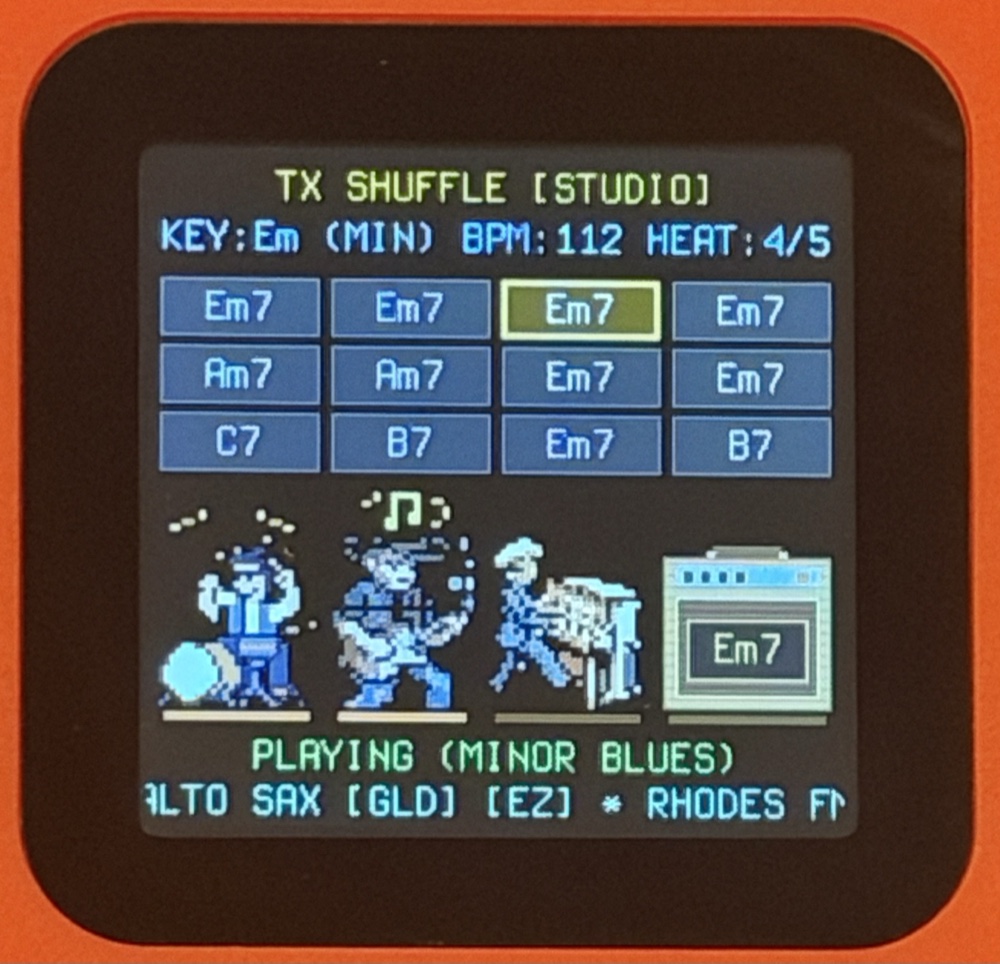
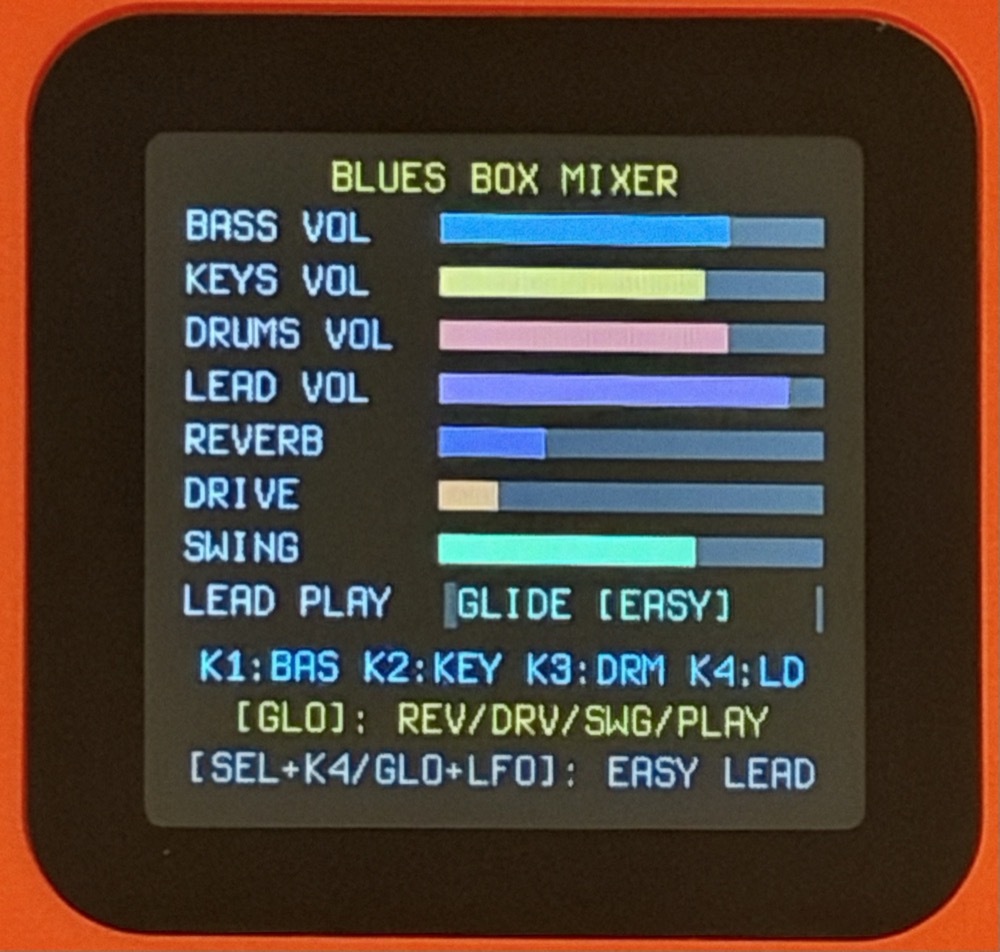
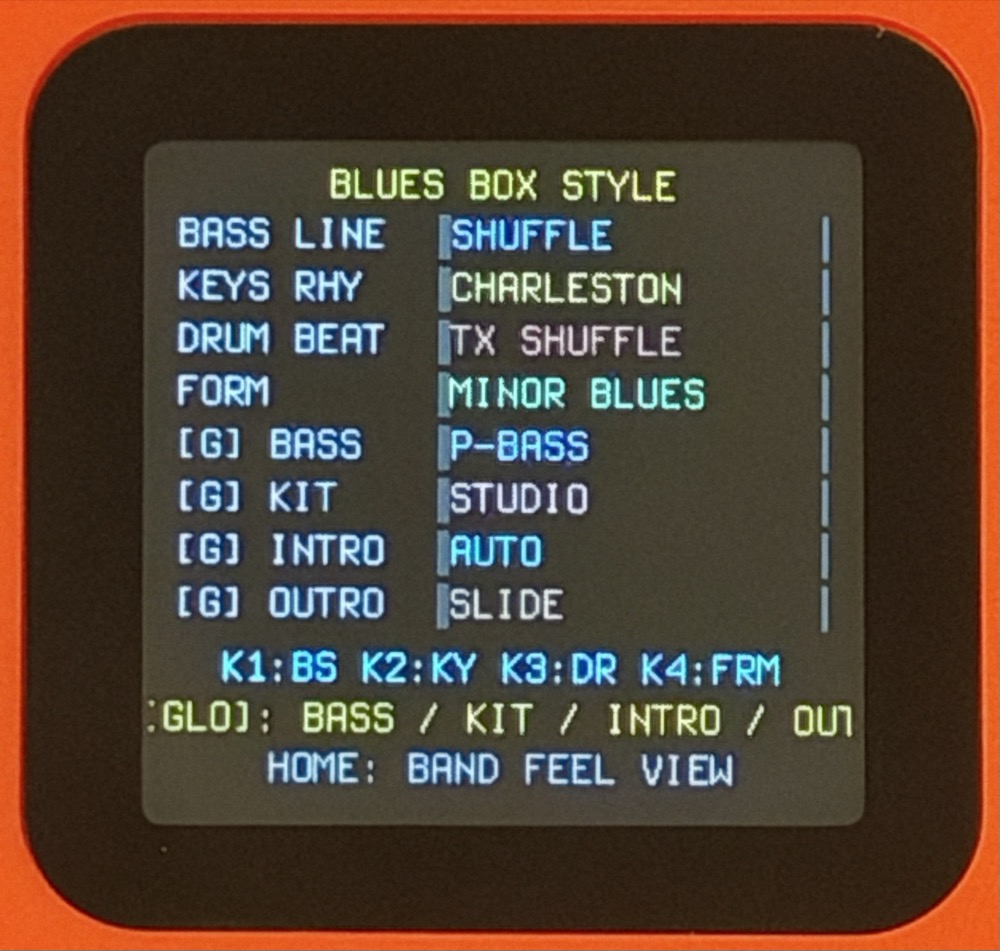
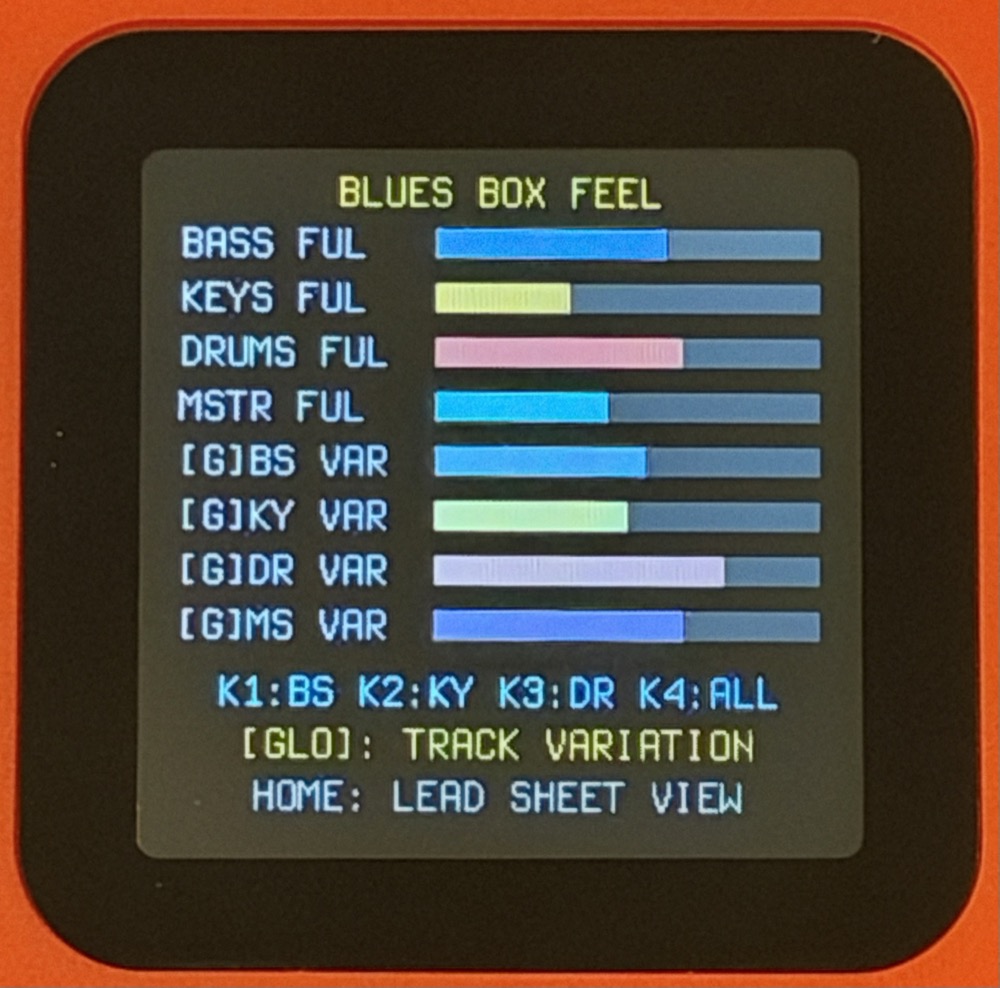
- Press
PLAY/STOPto start the band (starts with a style-matched Lead-In Intro and Alto Sax + Legato + Easy Lead on Preset 1; watch the 8-bit 3-piece band & Tweed amp animate in time with the groove!). - Turn
SELECTfor 19 grooves,KNOB1for tempo,ALGORITHMfor 18 keyboard tones, andPRESETSfor 25 lead voices. - Intros & Outros: When stopped, press
RECto cycle 7 Lead-In Intros (AUTOdefault,1B V7,2B TURN,2B FUNK,4B BAND,1B CLICK,OFF) andEDITto cycle 5 Outros (SLIDE,V-bV-IV,IV-I TRN,1B QUICK,STINGER). While playing, pressRECorEDITanytime to trigger the Outro on the next measure. - Press
HOMEto cycle: Lead Sheet → Band Mixer → Band Style ([GLO]+K3/K4: Intro/Outro) → Band Feel. - Band Heat Escalation (1–5): Press
FX(or turnKNOB2on the Lead Sheet; holdGLO+FXto step down) to escalate the jam from1: SIMMER(sparse & quiet) to5: SMOKIN'(full band, hot volume, Beat-4 drum fills). Stage footlights, note bursts, and Tweed amp chord flashes shift Blue → Green → Yellow → Orange → Red. - M-VAVE Chocolate MIDI Footswitch: Plug-and-play via USB or 3.5mm TRS MIDI IN (
PC 0–3,CC 80–83,CC 20–23, orNote 60/62/64/65): Sw A = Start / Next-Bar Outro, Sw B = Cycle Intro / Vamp Toggle (i7/iv7orI7/IV7), Sw C = Band Heat Down (5→1), Sw D = Band Heat Up (1→5). - Recovery: Hold
OCT-while powering on to enter USB Rescue Mode anytime.
Full manual & source code: github.com/provostprovost/blues